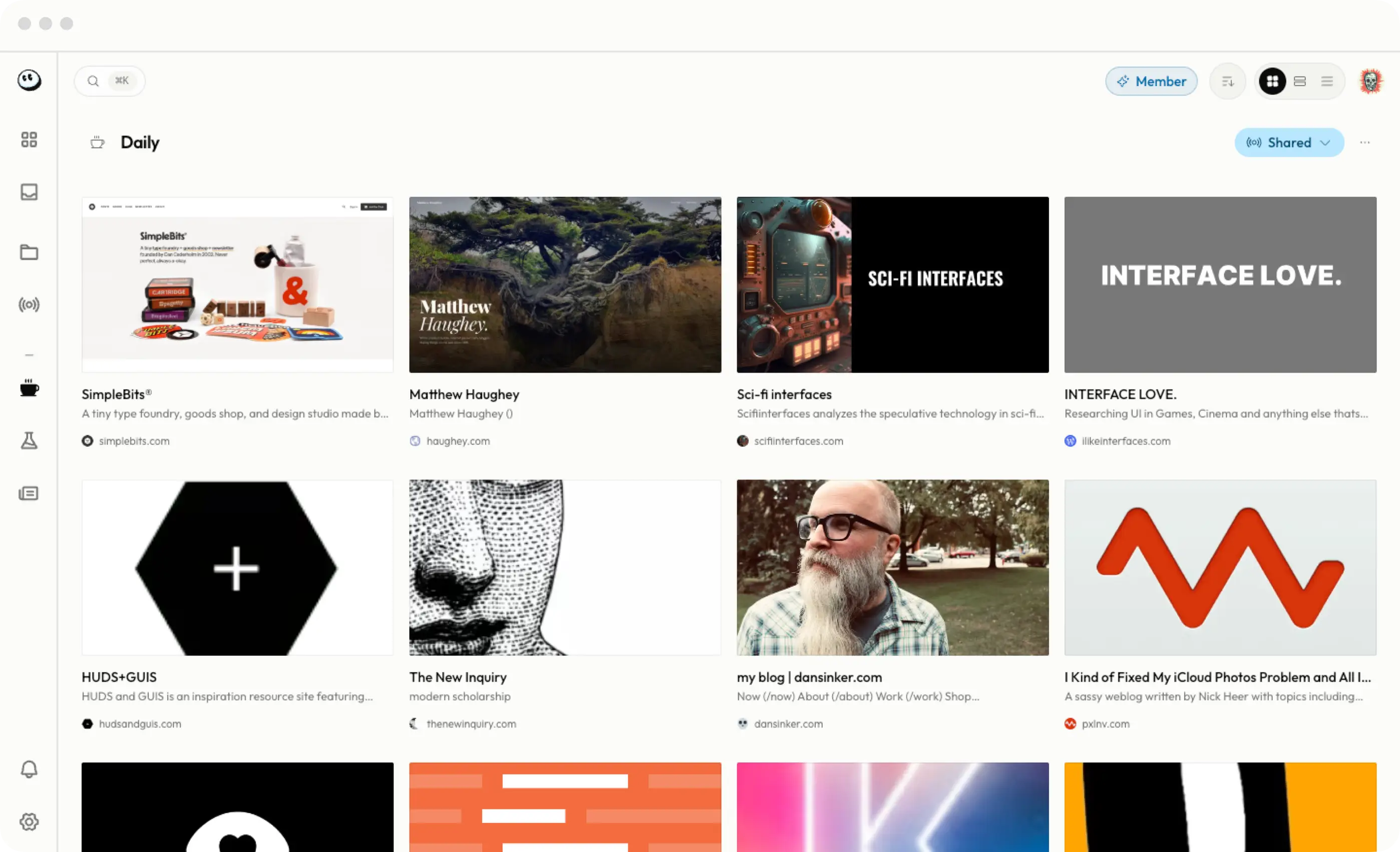
Stop reading titles.
Start seeing pages.
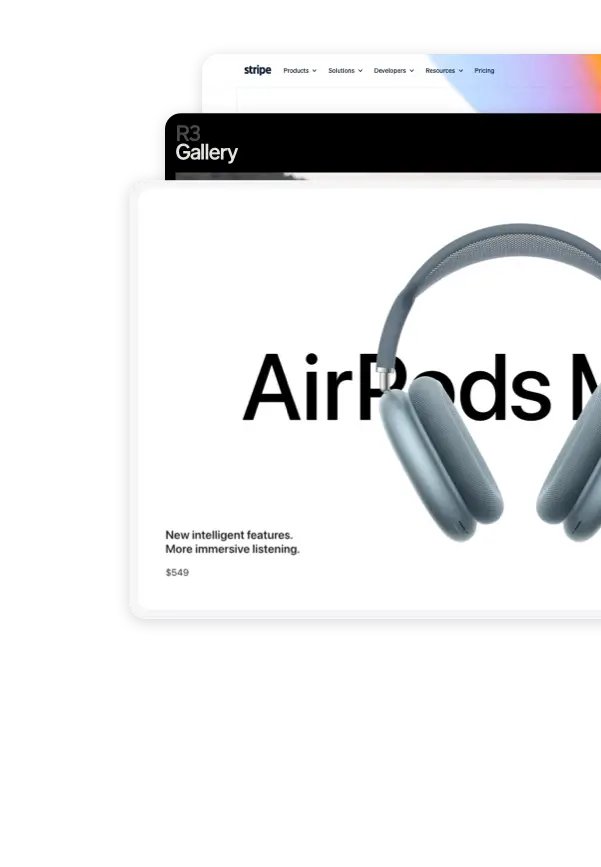
High-fidelity thumbnails let you find links by how they look, not just what they're named.
Share the web.
Block the noise.
Turn any folder into a live feed. Your friends or team can follow along without an account or an algorithm.
Something for every workflow.
Command palettes and drag-and-drop workflows that feel like a native app. Bookmark in seconds, find in milliseconds.
Curation
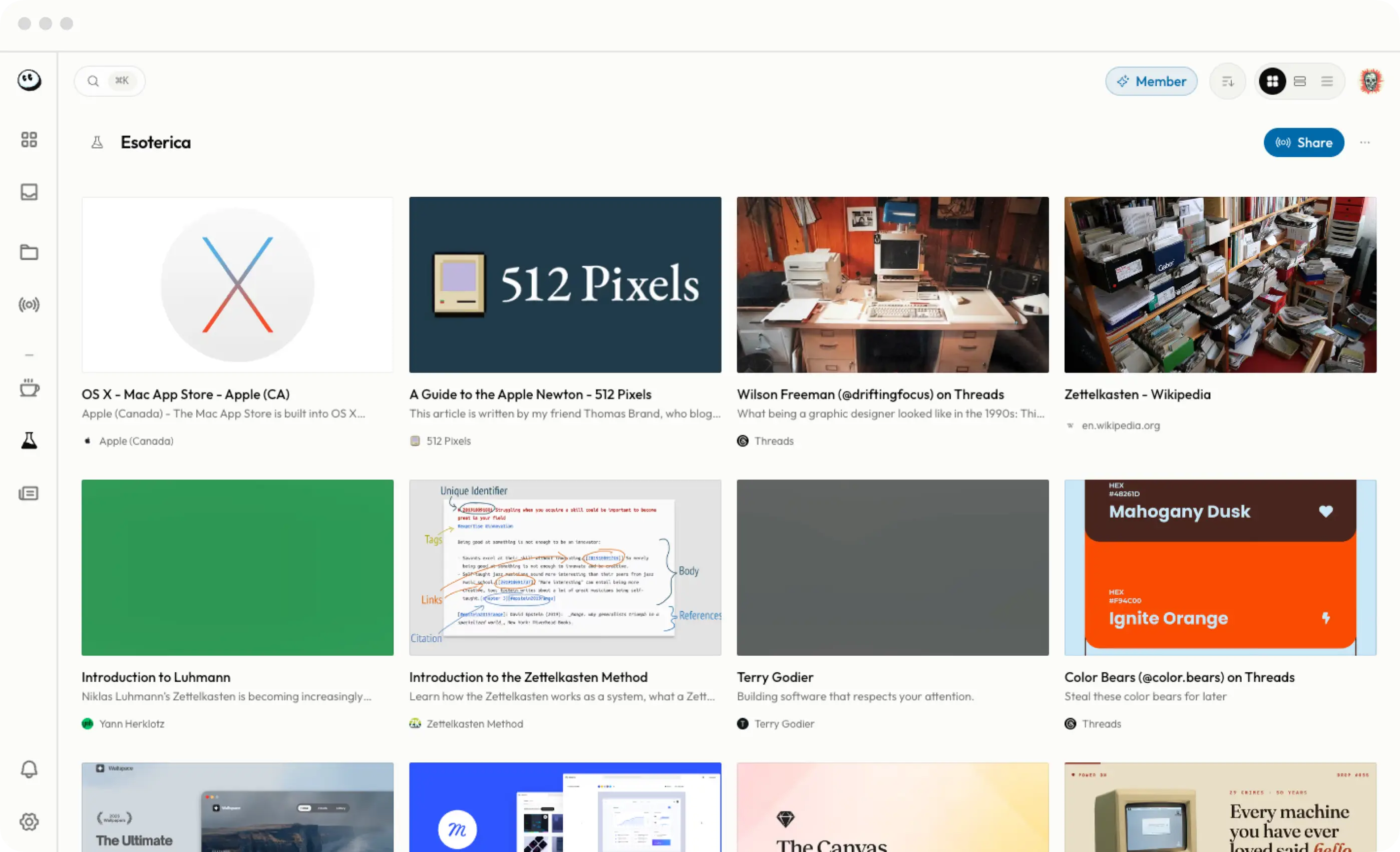
Toss the "Read-Later" graveyard
Your browser's bookmarks are where links go to die. Booooookmarks is where they live. Move your design inspiration, dev tools, and reading lists into a space designed for return visits. Sharing is opt-in for every folder, and off my default unless and until you enable it.
BYOB: Bring Your Own Bookmarks
Your browser bookmarks deserve better
Import directly from Chrome, Safari, or Firefox in one click. Then sort, nest, and share them in ways your browser never imagined — without handing your reading history to an algorithm.
Privacy
Privacy is the default
In a world of "AI everything," we're doing the opposite. Your bookmarks are private by default, never sold, and never used to train any model.
Garden your own
little corner of the web
Get started
Plans
Choose the one that's right. Upgrade or cancel any time.
Free
Start curating
$0
- • 2,000 bookmarks
- • 20 folders
- • 5 shared folders
Unfree
More of everything
$4/mo
- • 8,000 bookmarks
- • Unlimited folders
- • Unlimited shared folders